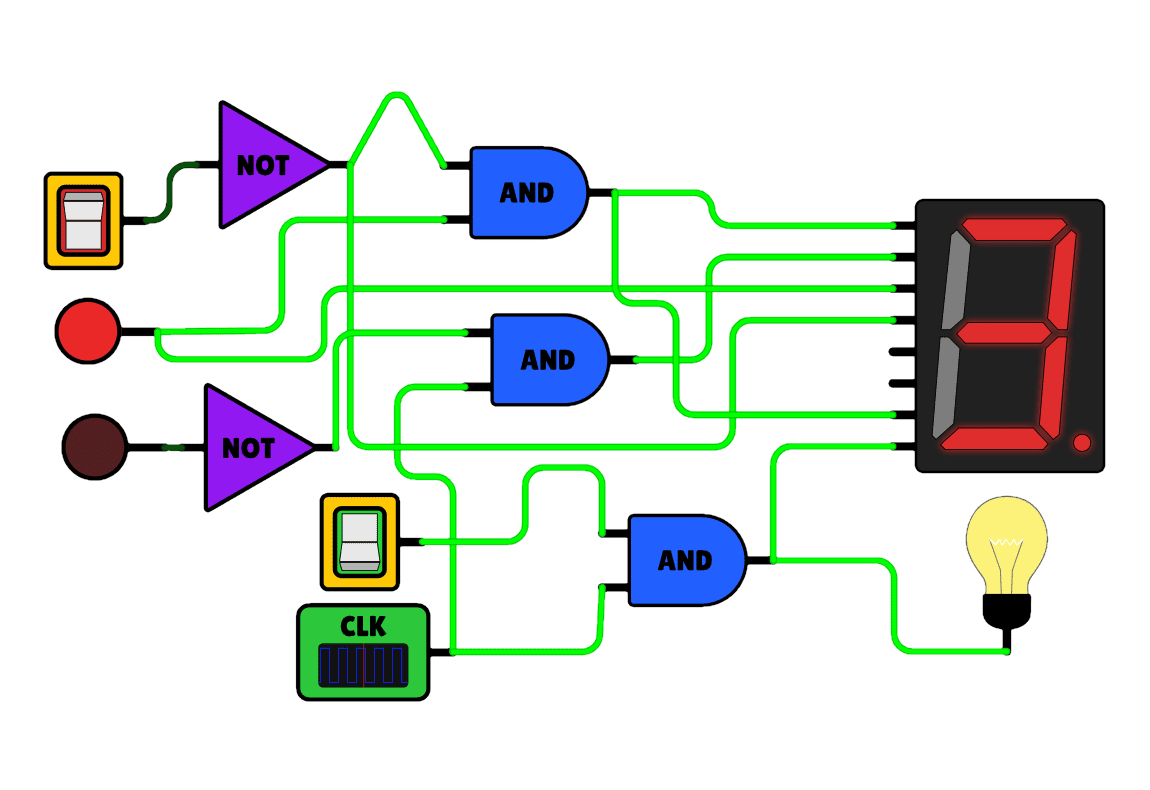
LogicSim: Interactive Digital Logic Simulator



LogicSim
LogicSim is a small React web app I built for fun to play with digital logic circuits directly in the browser. The idea is simple: pick components, place them on the board, wire them together, and immediately see signals propagate through the circuit (including wires lighting up when “powered”).
Why I built it
I've always loved logic circuits (the “LEGO” feeling of combining simple gates into something bigger), and I wanted a tool that felt pleasant to use — not a heavy EDA suite, just a quick sandbox.
This project wasn't meant to be complete or perfect. It was mainly an experiment to see if I could make a circuit editor that feels smooth, visual, and satisfying.
This is intentionally a prototype: limited component set, no saving system, and no way to define custom gates from existing sub-circuits (something I really wanted to add).
What you can build
The UI is a drag-and-drop circuit builder: you select components from a sidebar and drop them on the board. Then you connect pins by drawing wires between connection points, and you can interact with inputs (switches/buttons) to test behavior in real time.
Available elements (the “core” set I focused on):
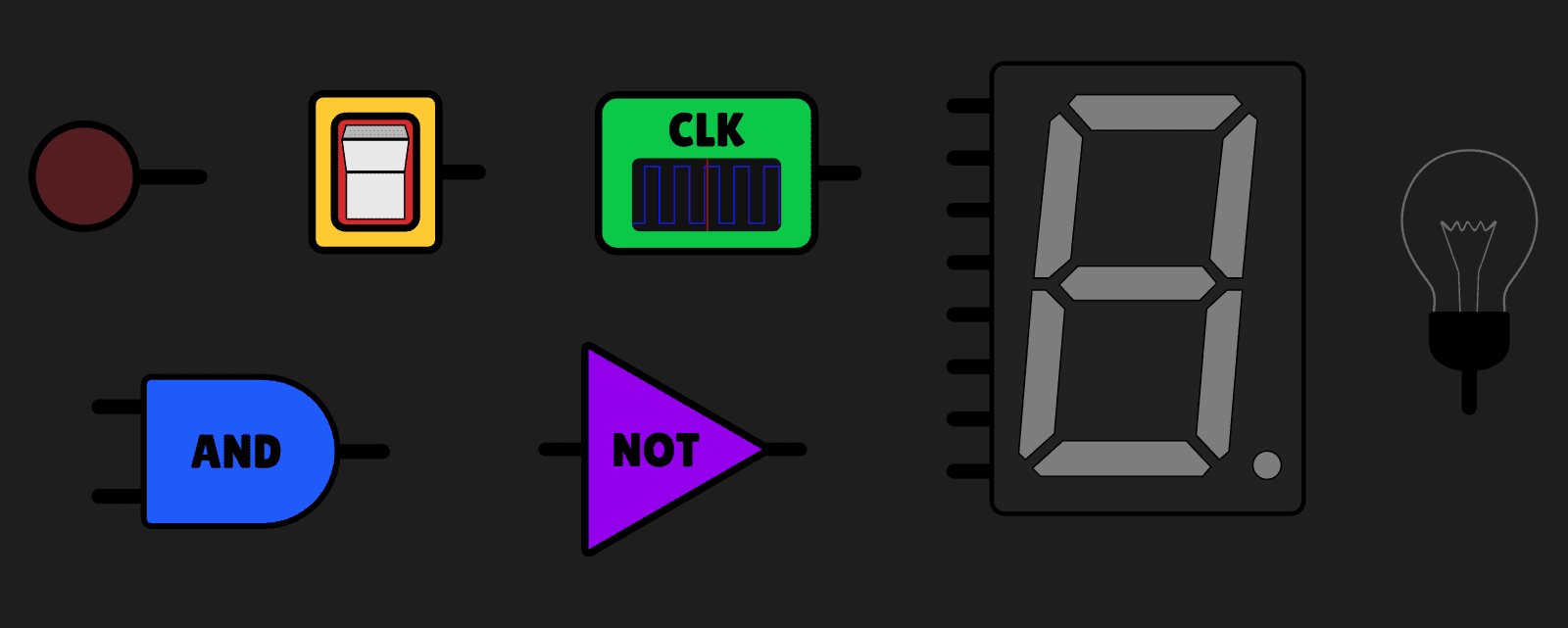
- Logic gates: AND & NOT
- Inputs: switch, push button, clock
- Outputs: LED / light bulb, 7-segment display
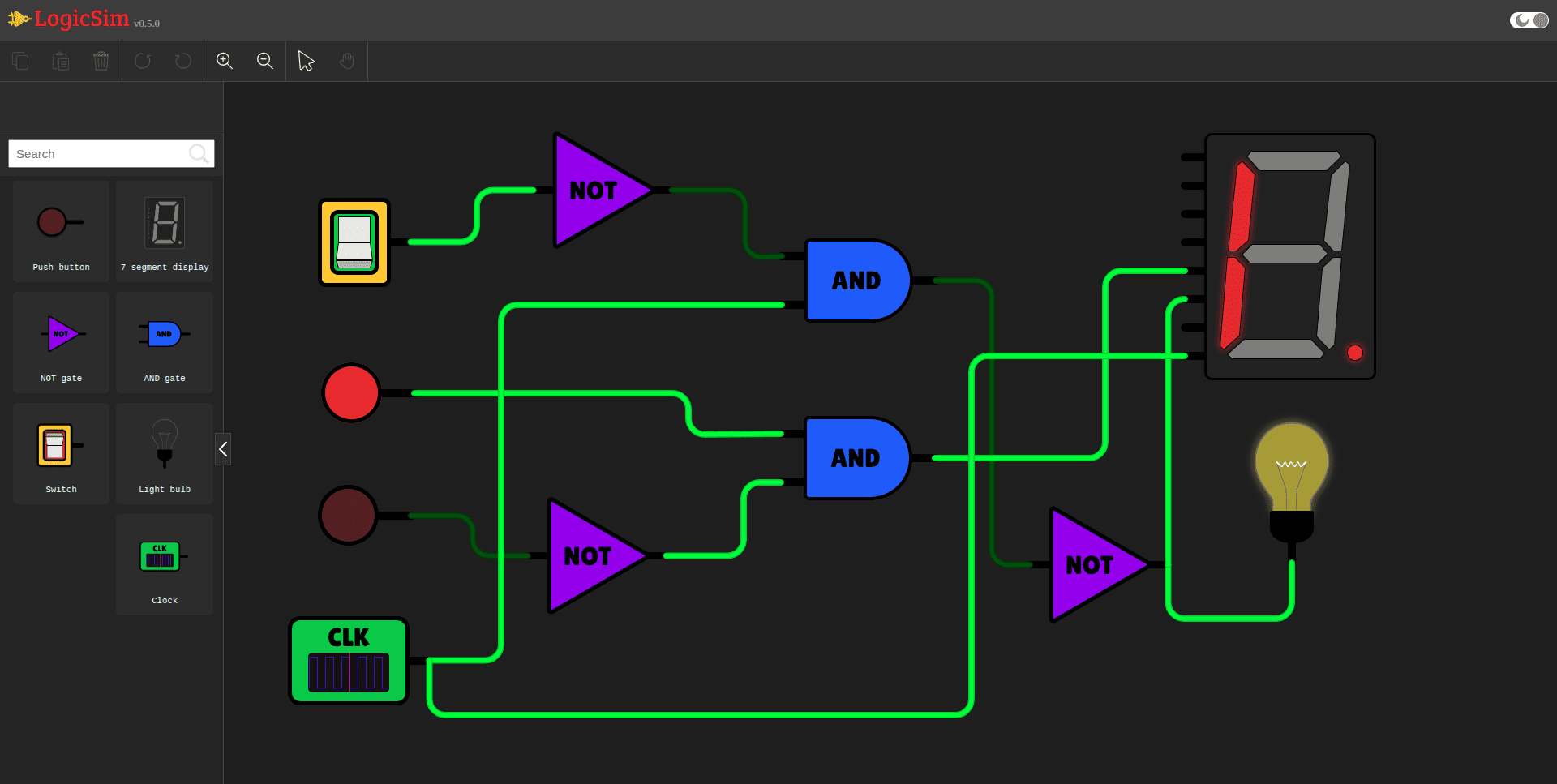
SVG-first rendering
One of the most fun parts of this project was the rendering approach: everything is drawn with custom SVG — the gates, the components, and even the dynamic wires. Because it's SVG, zooming stays crisp and the circuit can look really clean (and honestly, that was a big motivation).
A few UI details I cared about:
- Wires visually “light up” when a signal is flowing through them.
- Zoom + pan to navigate larger circuits.
- Dark/light theme toggle.
Simulation model (how it works)
Under the hood, the circuit is basically treated like a graph:
- Components expose input/output pins.
- Wires connect pins together, forming nets.
- Each tick (or interaction) recomputes outputs based on current inputs, then propagates updates through the network until things stabilize.
For sequential behavior, the clock component drives a periodic signal (so you can do simple timing-based circuits), and the 7-segment display just maps the input bits to segments.
This is not a “perfect” electrical simulation — it's closer to a pragmatic digital logic evaluator focused on interactivity and visual feedback.
Live demo
You can try it here: it runs fully in the browser.
LogicSim — Live Demo
Build simple digital circuits with drag-and-drop components, SVG wiring, and real-time signal propagation.
What I learned
This project taught me a lot about the challenges of building interactive editors and simulations, including:
- Designing UI state for a canvas-like editor (selection, dragging, hit-testing, rotations, etc.).
- Representing a circuit in a way that's both easy to render and easy to simulate.
- Making SVG feel responsive and pleasant for something more complex than icons.
It also reinforced something important: constraints are useful. By keeping the scope small, I could focus on polish (especially the wiring and visuals) instead of drowning in features.
What could be improved
A few things I'd add if I ever revive it:
- Save/load circuits (right now there's no persistence).
- Custom gates / sub-circuits (compose circuits into reusable blocks).
- More components (counters, flip-flops, other logic gates, etc.).
- Better simulation scheduling for large circuits (current approach is fine for small/medium builds).
Even with these limitations, I'm happy with it as a “fun, interactive sandbox” project — it's the kind of thing I personally love exploring.